NGENIC Airpatrol
Control your air-source heat pump from your phone. With Ngenic AirPatrol, you get full control over the heating in your home, vacation home, or garage. Adjust the temperature from anywhere, set schedules, and enjoy the right level of comfort at the right time.
Full control wherever you are
Many people leave their air-source heat pump running longer than necessary when no one is home. With AirPatrol, you can instead control the heating directly from your phone.
Turn up the heat on your way home, check on your vacation home remotely, or adjust the heating when your plans change.
Comfort and savings in a single solution
With scheduling and remote control, you can reduce unnecessary energy use without compromising on comfort.
AirPatrol helps you use your air-source heat pump when you need it and lower the temperature when no one is home. The result is lower heating costs and better control over energy use, with many customers saving up to 30%.
Sign up for a subscription
Ngenic AirPatrol is sold as a subscription service.
When you sign up, you pay 117 SEK for the first 3 months. After that, you can continue for 39 SEK/month or 390 SEK/year.
The subscription can be canceled at any time after the first 3 months.
Frequently Asked Questions About Ngenic Airpatrol
Is my air-source heat pump compatible?
AirPatrol is compatible with the vast majority of air-source heat pumps that come with a remote control featuring a display.
AirPatrol WiFi – Features and Information
COMMANDS & FUNCTIONS
• ON / OFF
• DRY / COOL / HEAT / AUTO
• Temperature setting, 10–30 °C
• Fan speed, AUTO / MIN / NORM / MAX
• Swing mode
• Low heat mode (frost protection)
CUSTOMIZABLE ALARMS
• Low / high room temperature
• Low / high room humidity
• Low / high electricity price
• Connection status
• Service time
INFORMATION FROM AIRPATROL
• Operating mode
• Fan speed mode
• Swing mode
• Set temperature
• Current temperature
• Current humidity
• Local weather report
• Connection status
• Controller runtime information
• Wi-Fi signal strength
• Firmware version
ADDITIONAL FEATURES
• Scheduled events (calendar-based commands)
• Electricity prices (real-time information & forecast)
• Automatic recognition (automatically detects the air conditioner)
• Unlimited brand list (works with all air conditioners)
• Create presets (ability to save different IR codes)
• Ability to group different devices in the smartphone app
• Ability to control multiple devices in a single smartphone app
• User-specific settings, alarms, etc. (unlimited number of users)
• Automatic updates (automatically updates to the latest software)
• Expandable (compatible with all AirPatrol accessories)
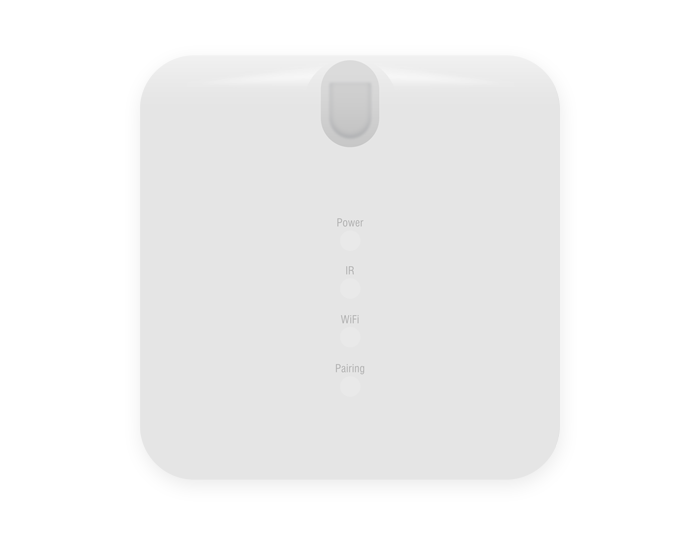
• 4 status LEDs (Power, Pairing, Wi-Fi, IR)
• Temperature conversion (Celsius/Fahrenheit)

How does the subscription model work?
As a new customer, you’ll sign up for a subscription. The first payment covers the first 3 months. After that, you can continue with monthly or annual payments, and you can cancel your
subscription at any time.
The AirPatrol device is included in the subscription and is loaned by Ngenic Energi. You also get access to the cloud service, app connectivity, regular updates, ongoing improvements to the service at, and support.

How do I install AirPatrol?
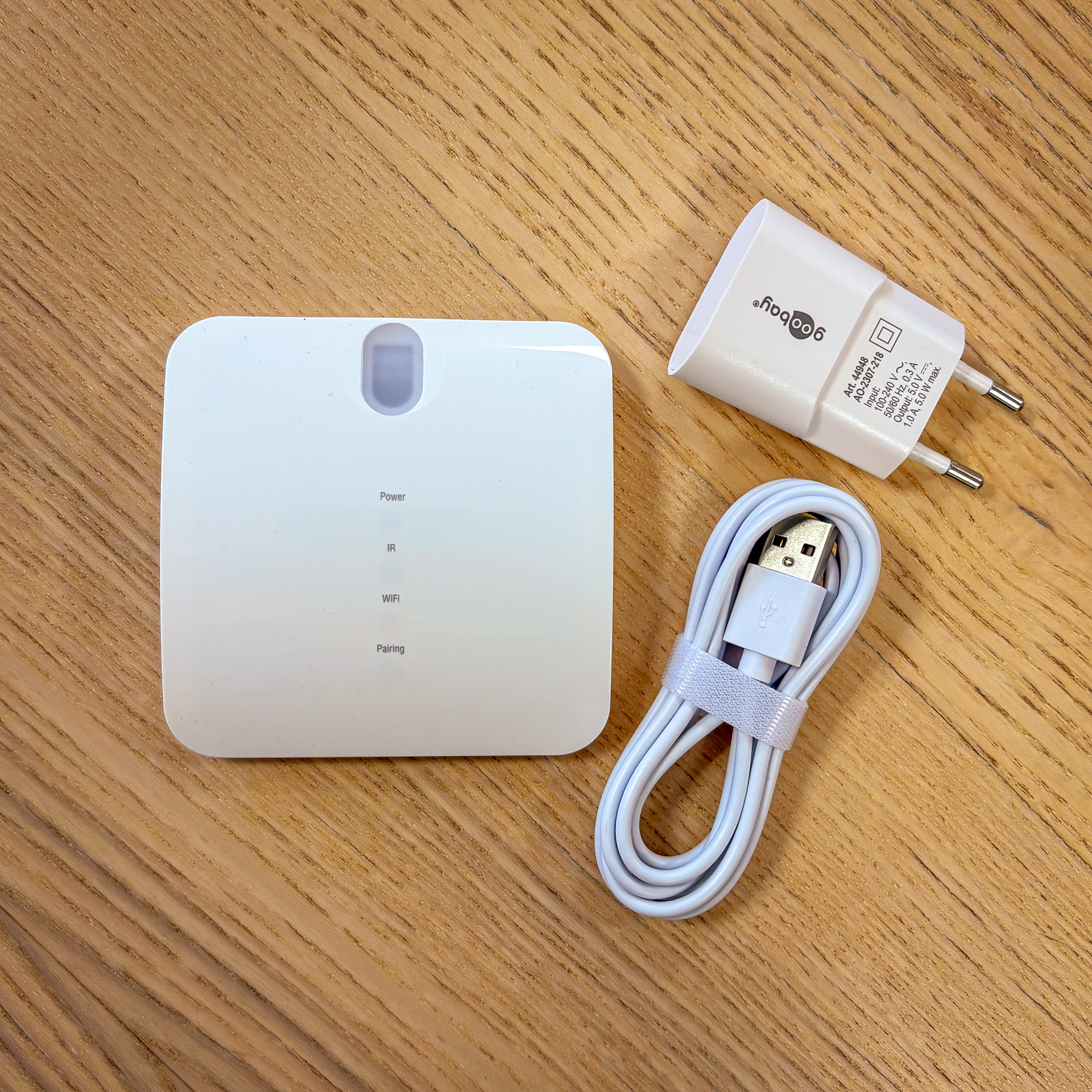
Installation takes about 20 minutes, and you don’t need to be tech-savvy to get started. AirPatrol comes with everything you need for installation, and our guide shows you step by step how to do it. If you need help, our support team is just a click away:
support.airpatrol@ngenic.se
Does AirPatrol require Wi-Fi?
Yes. AirPatrol requires that you have a wireless Internet connection in your home.
I purchased AirPatrol WiFi before November 30, 2025. Can I continue to use the service?
Yes. If you purchased AirPatrol WiFi before November 30, 2025, you can continue to use the app just as you normally would.