
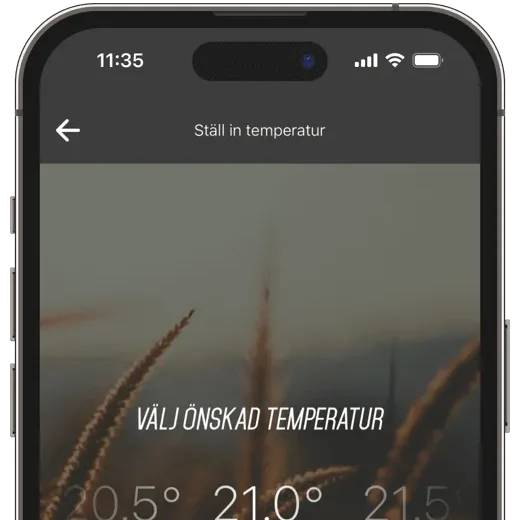
NGENIC Track (male)
What is Track?
More data. Less hassle.
Data in Large Quantities
Real-time data, historical data, and insights to help you get more out of your Ngenic Tune.

See the effect in real time
In Hemvyn, you can see your electricity or heating usage in real time. Forgot whether you turned off the stove? Check right away in the app!
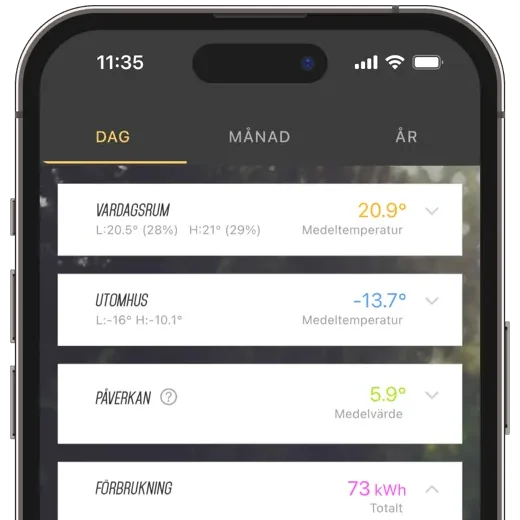
Complete History
In the History view, you can easily compare time periods and usage patterns. Filter your data by day, month, or year.
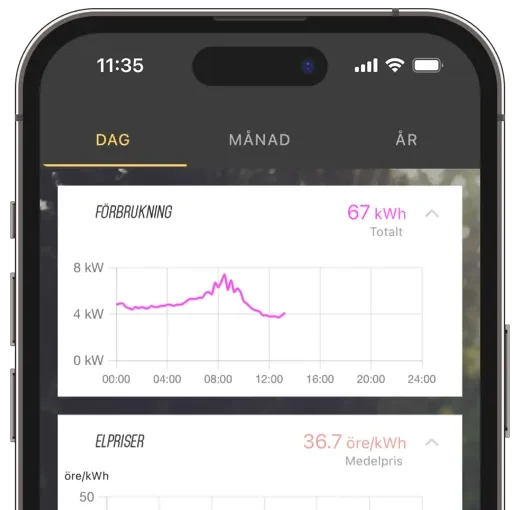
View electricity rates
Would you like to keep track of electricity prices? Enable “Show Electricity Prices” to view prices for the entire day in your price zone directly in the History view.
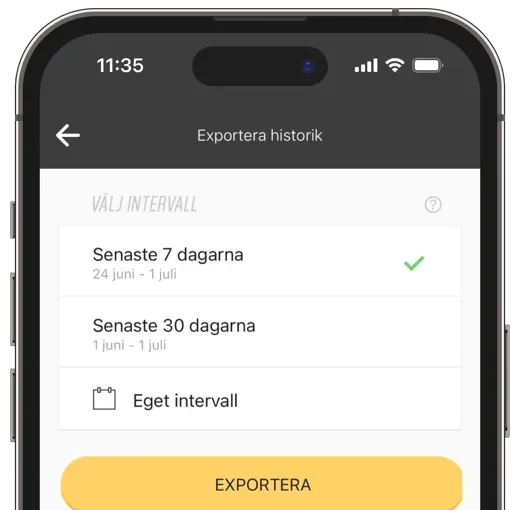
export measurement data
Would you like to take a closer look at your data? Easily export your data in CSV format by entering your desired time range.
Compatibility
Frequently Asked Questions About Track Opto
What is the difference between Track Opto and Track HAN?
Do I need Ngenic Tune to use Track HAN?
What are the benefits of Track HAN?
What is the range of Track HAN?
The range depends on a number of factors, such as the type of material in the walls and other wireless networks in the vicinity. If the electricity meter is located in a metal cabinet, the distance to the gateway should not exceed 15 meters. Without a metal cabinet, the range can be up to 30 meters, and with a completely unobstructed line of sight, over 300 meters.
How do I know if my electricity meter has a HAN/P1 port?
What is the difference between HAN and P1?
- It has 8 pins.
- P1 has 6 pins.